1. Personal productivity
🌴 Multiple out-of-office entries
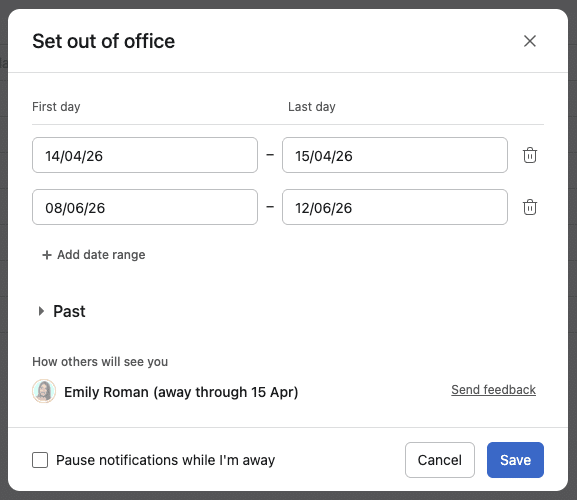
You can now manage multiple out-of-office entries directly from your profile, making it easier to keep your availability accurate across web and mobile.
📨 Inbox filters for messages and status updates
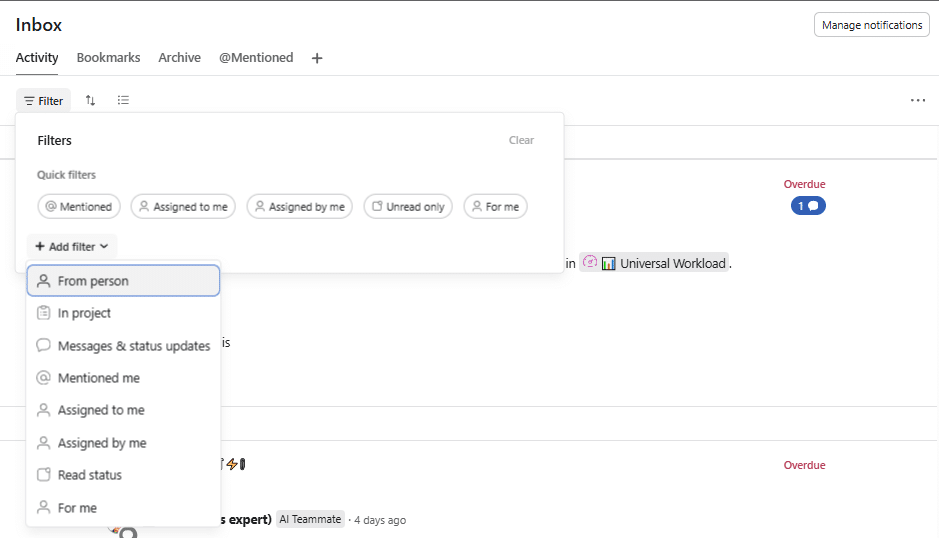
You can now filter Inbox specifically for messages and status updates so the most relevant notifications are easier to review. It is a simple way to cut through noise and focus on the updates that matter.
💙 i.DO Tip: Create multiple tabs in your Inbox to switch between your different filters
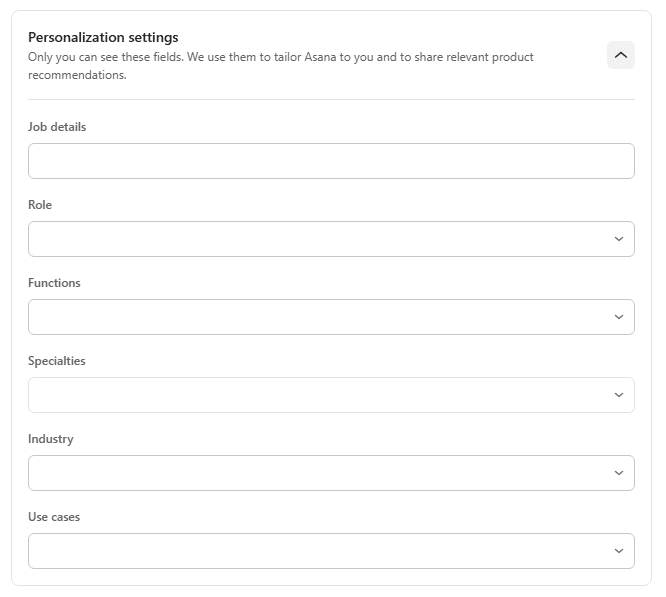
👤 New personalization settings
Users can now update job information like title and function in their Settings (profile).
✨AI Conversations and Augmented Work
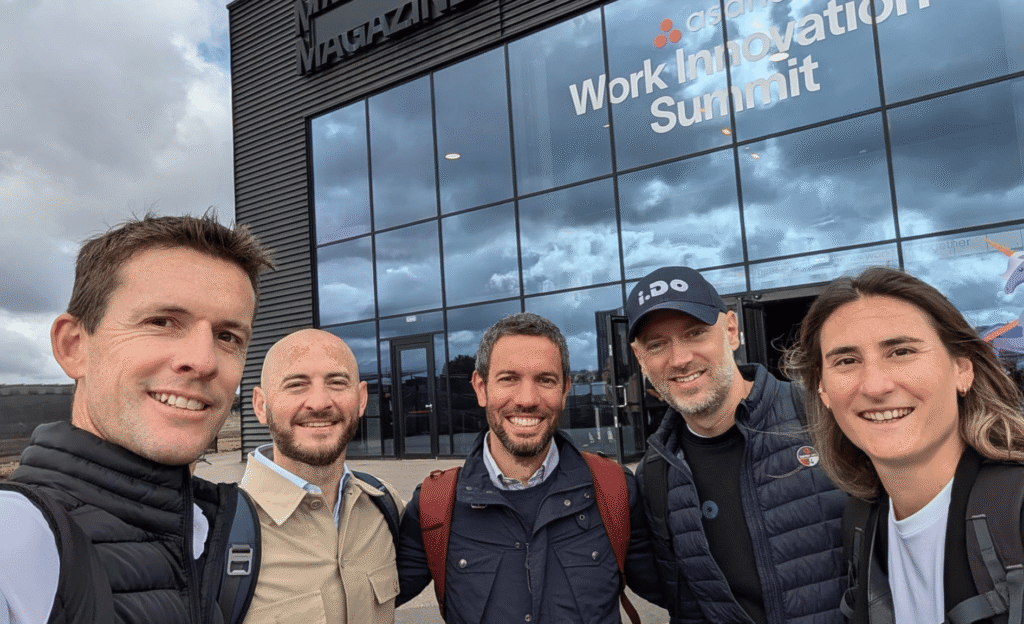
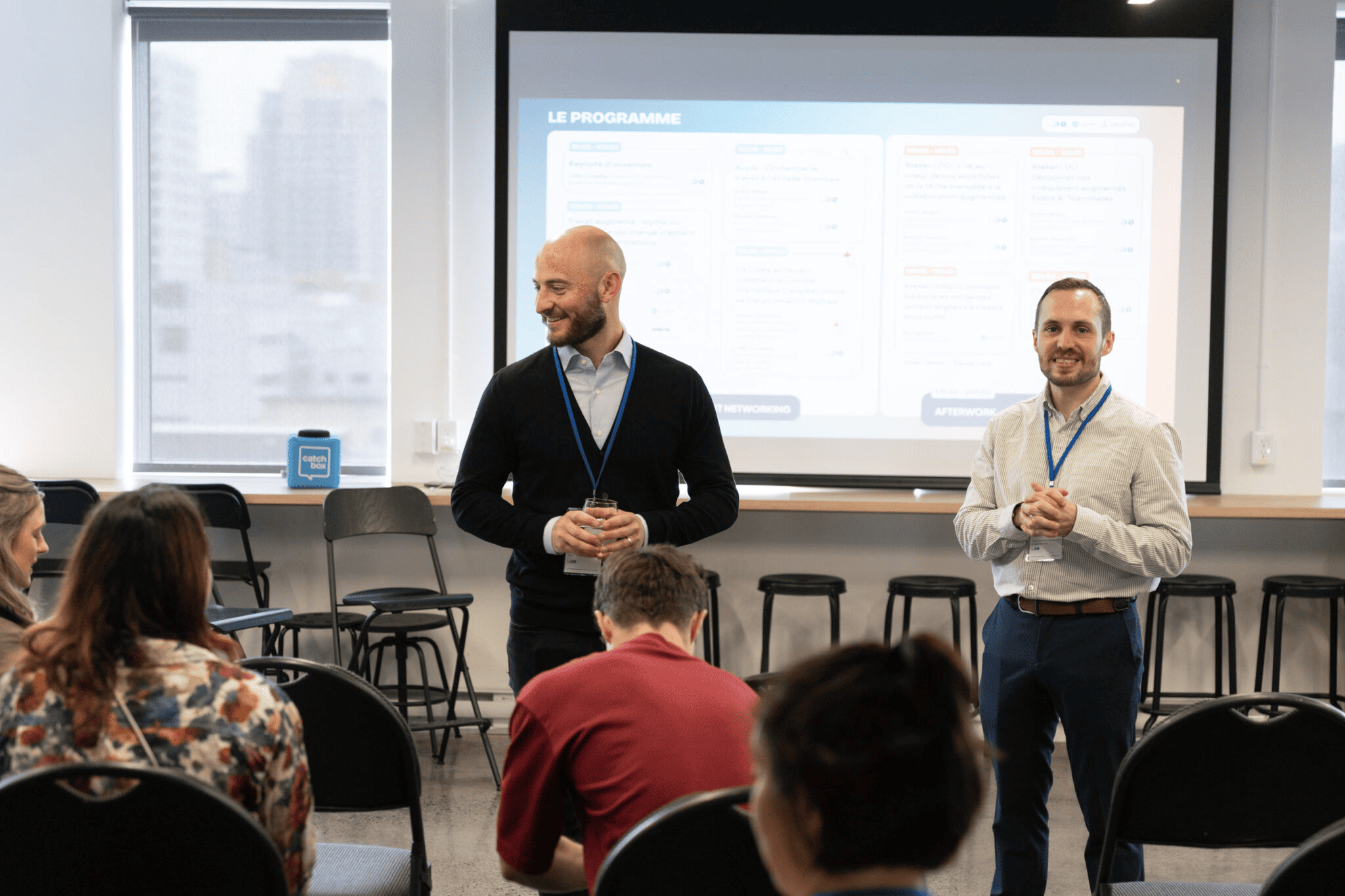
At our Montreal event on augmented work, what struck me most was how much the conversation around AI has matured. Teams are moving beyond experimentation and focusing on practical, sustainable use cases that improve visibility, coordination, and execution.
2. Collaboration, setup & AI inputs
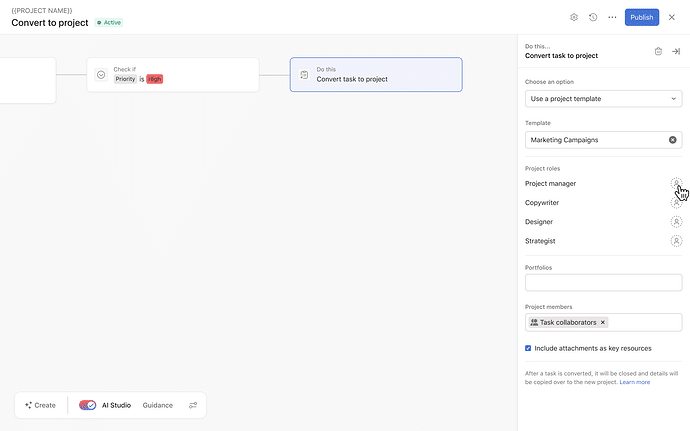
🧩 Project roles in rule actions
Rules can now set project roles when converting a task into a project template. This reduces manual setup and helps keep responsibilities consistent from the start.
💙 i.DO Tip: Pair this with your project templates so every new project launches with the right people in the right roles from day one.
🔐 Field access and permissions in custom fields
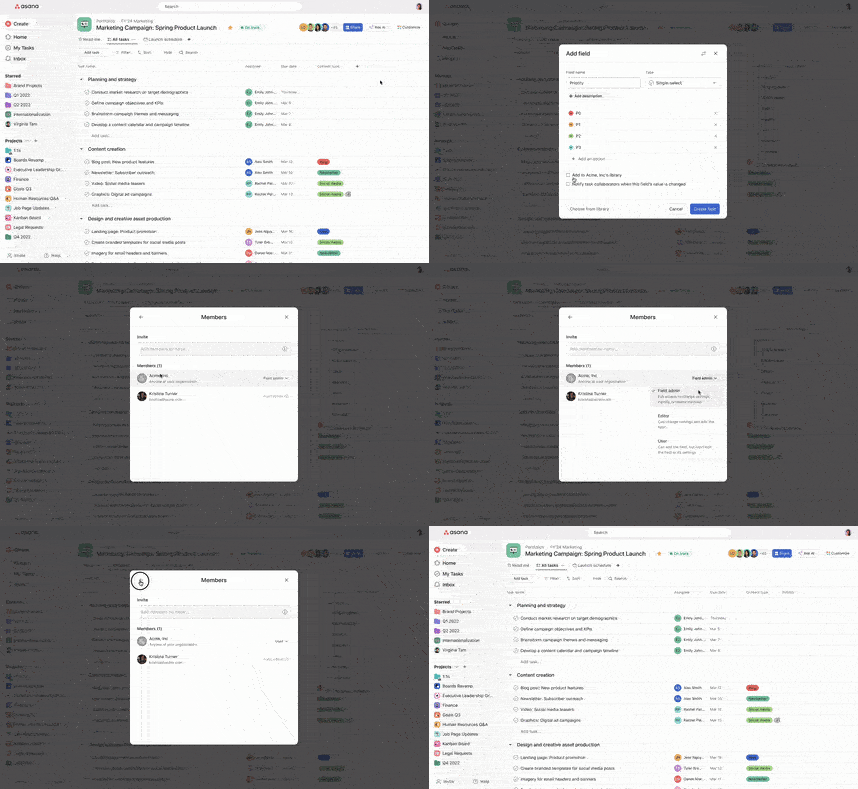
Access and permission controls for custom fields are now easier to find from project, portfolio, and Customize menus. That makes governance simpler when teams need clarity on who can view or edit key fields.
💙 i.DO Tip: Review your most sensitive custom fields first, like budget, priority, or client-facing status. A small permissions cleanup can prevent a lot of messy updates.
3. Automation, reporting & goals
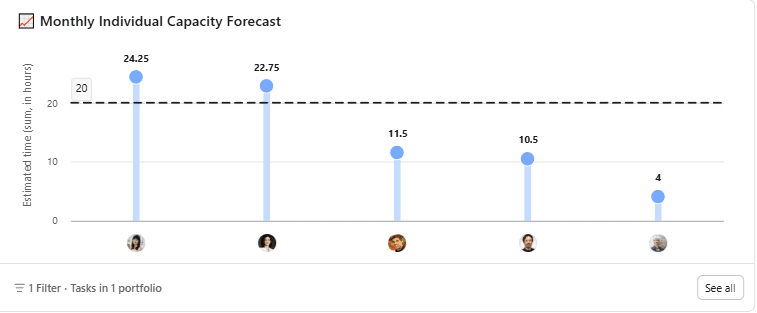
📈 Dashboard: manual benchmark lines in charts
You can now add benchmark lines to charts to compare actual values against a target or threshold. This makes charts easier to read when performance needs clear context.
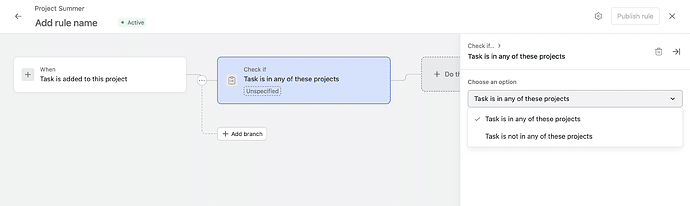
🧠 Rules: new condition for project membership
The new condition “Task is in any of these projects” lets rules run only when a task belongs to specific projects. This gives automation builders more control to reduces rule’s scope.
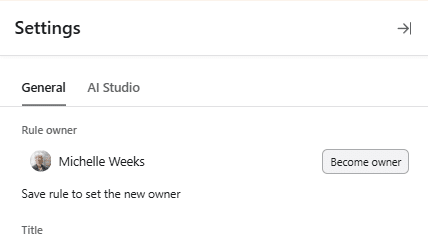
🛡️ Claim ownership before editing AI Studio rules
Users now need to claim ownership before editing AI Studio rules, helping changes happen under the right permissions. It adds more control when multiple people are working with advanced automation.
💙 i.DO Tip: Before tweaking an AI Studio rule, confirm who owns it and who should maintain it long term.
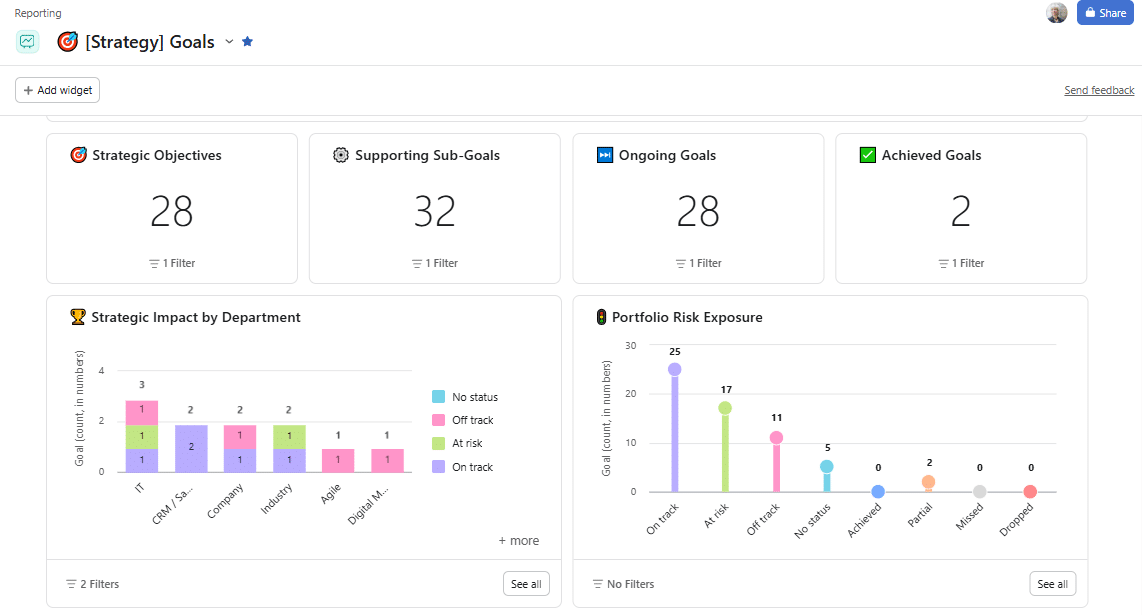
🎯 Goal widget in Dashboards
Dashboards can now include a Goal widget, bringing goal tracking closer to the rest of your reporting. It helps teams connect day-to-day metrics with bigger outcomes.
4. Miscellaneous
⏱️ Live timer on mobile tasks
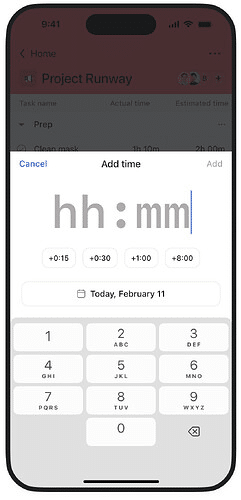
You can now start and stop a live timer on mobile tasks to create accurate time entries on iOS and Android. This makes time tracking much easier when work happens away from a desk.
🏢 Capacity Plan tab in portfolios (Enterprise only)
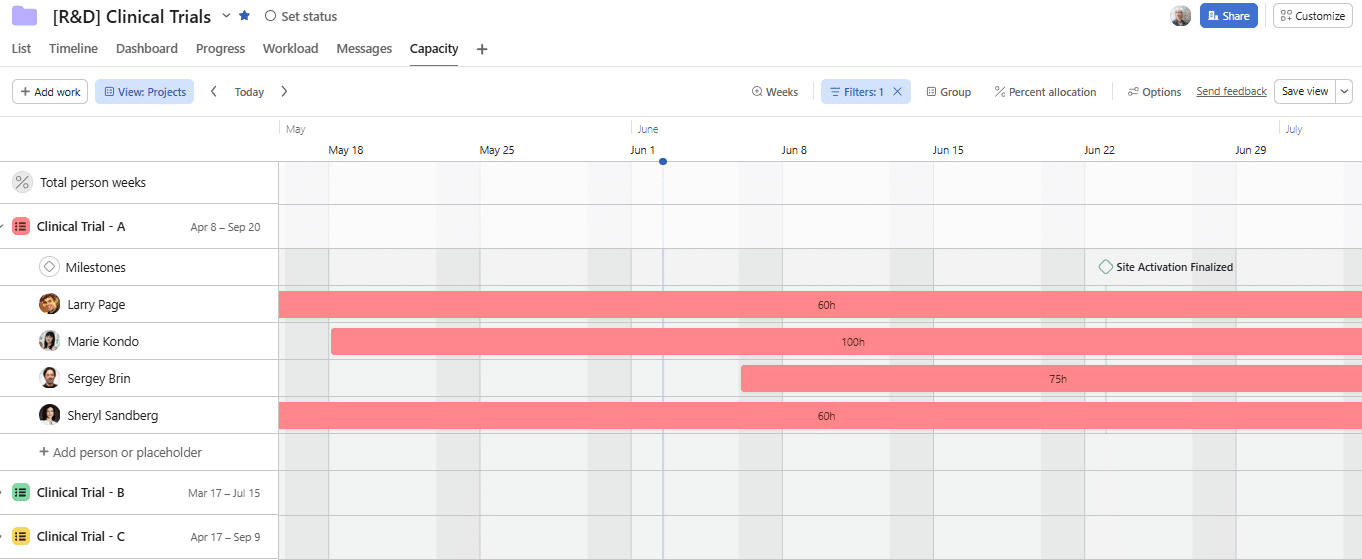
Portfolios can now include a Capacity Plan tab. This gives teams a more integrated way to review incoming workload and staffing decisions.