The Asana December 2025 updates focus on clarity, control, and smarter automation for scaling teams. Let’s dive in:
1- Smarter Search, Data & Visibility
🔍 Advanced search now understands “Reference” custom fields
You can filter and report on tasks using the values stored in custom fields, making search far more precise and reporting more powerful.
💙 i.DO Tip: Did you know you could create a saved search for your deleted items?
📊 Export project tasks directly to Excel
Tasks can now be exported straight from a project into an Excel file for easier sharing outside Asana.
💙 i.DO Tip: Use Excel exports for monthly stakeholder reporting, then keep Asana as the single source of truth.
2- Timesheets & Budgets add-on
⏰ Available on all paid plans
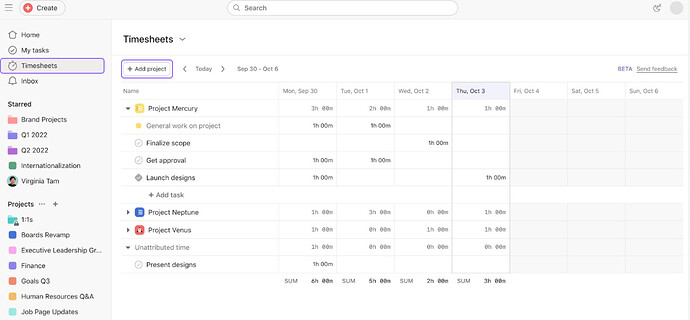
The new Timesheets & Budgets add-on is available to all. Asana now connects effort, cost, and capacity in one place. Track time from desktop or mobile, monitor budgets in real time, set flexible user rates, and keep project health fully visible.
🧠 Want to activate Timesheet & Budget add-on?
As an Asana Solutions Partner, we help teams configure Timesheets & Budgets the right way. Aligned with real workflows, billing logic, and reporting needs.
👉 Partner with i.DO to activate Timesheets & Budgets and take control of time, cost, and outcomes
3- Permissions, Roles & Governance
👥 Limited Access Members (LAMs) are deprecated
Permission management is simplified by removing LAMs, making team membership and project access clearer and more explicit.
🧱 Workspace creation can now be restricted to admins
Admins can prevent uncontrolled workspace creation to keep work centralized in the right organization.
🛡️ Custom Role-Based Access Control (RBAC) (Enterprise+ only)
Admins can define and apply custom roles for highly precise permissions across Asana, also available via the Permissions Management add-on.
💙 i.DO Tip: Design roles around real responsibilities to reduce friction without sacrificing control.
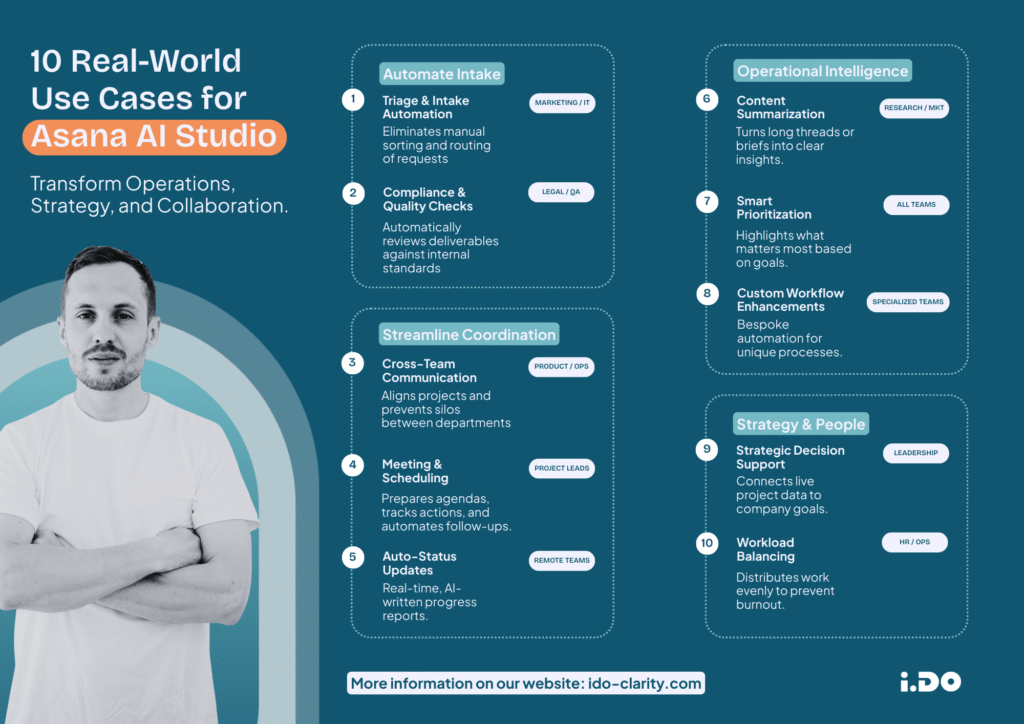
4- AI Studio & Automation Enhancements
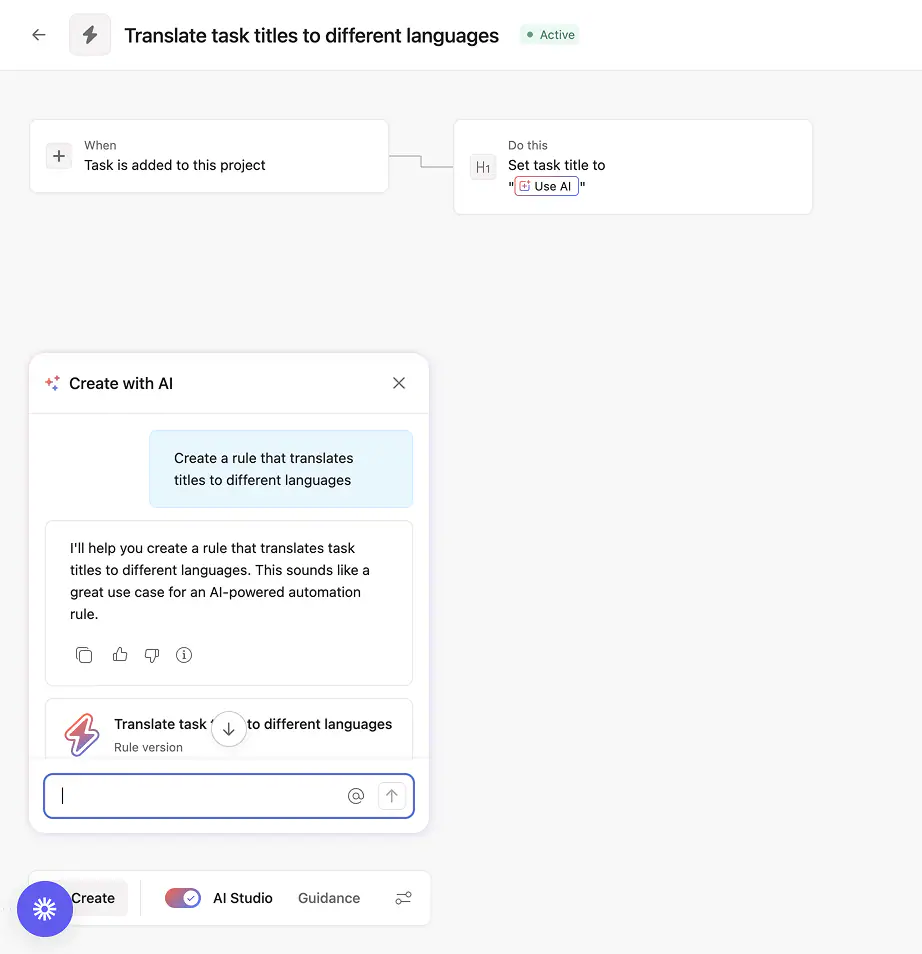
💬 Words-to-workflow chat in AI Studio
Rule creation evolves from a single message to a conversational chat that helps refine and build AI rules step by step.
💙 i.DO Tip: Treat it like an AI assistant to do the groundwork and then, iterate with the regular builder until the rule matches your workflow perfectly.
📁 Connect a Google Drive folder in AI Studio
AI Studio can securely search and reference content from attached Google Drive folders within AI workflows (before, it was only for Google Drive Files).
💙 i.DO Tip: Connect shared process docs or SOP folders so AI can work with your real operational knowledge without having to maintain the AI rule.
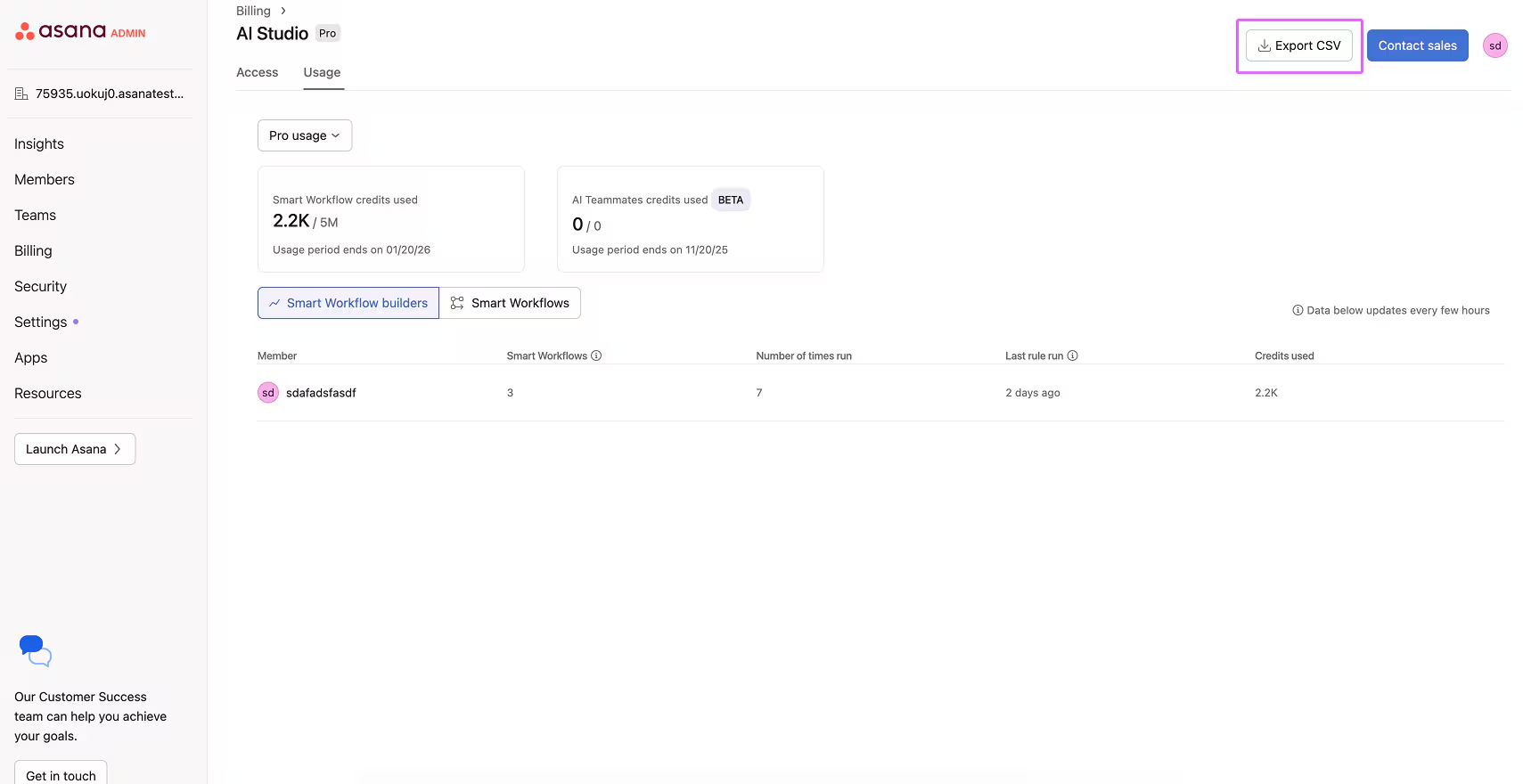
📈 AI Studio usage history export (CSV)
Admins can export AI usage data to review activity and monitor credit consumption.
💙 i.DO Tip: Review this monthly to spot high-value use cases worth scaling across teams.
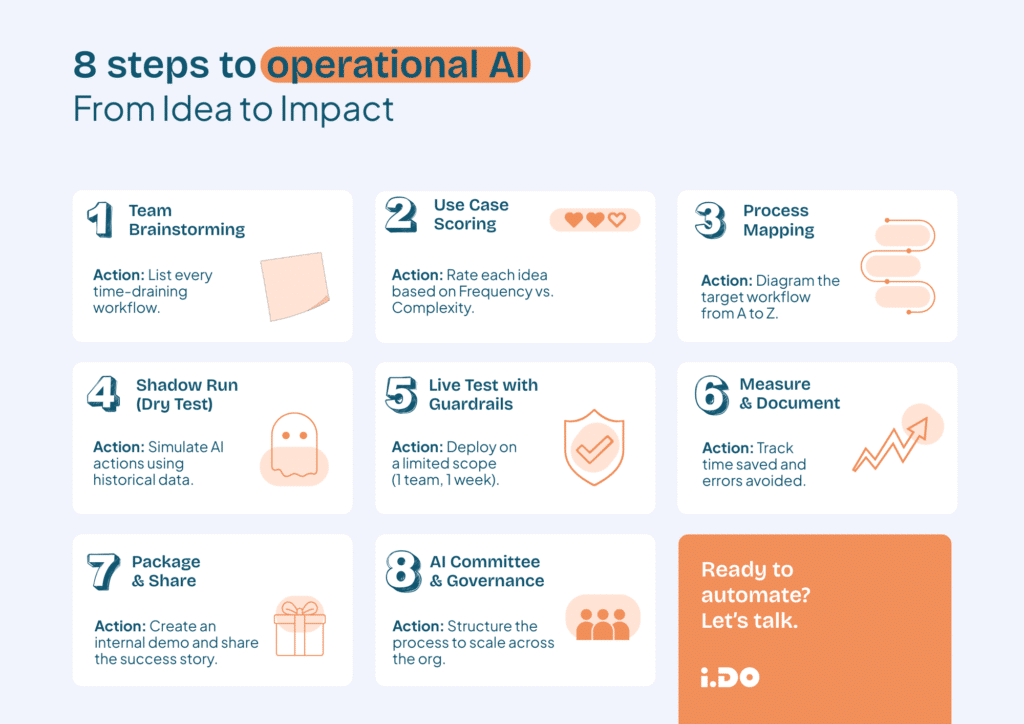
🤖 Read the guide: Is your organization mature enough for AI?
Most AI initiatives don’t fail because of technology. They fail because of structure. Unclear processes. Fragmented systems. Teams unprepared for change.
AI doesn’t create order. It amplifies what’s already there.
In our latest article, we break down:
→ The 3 reasons AI projects fail
→ The 6 prerequisites for successful implementation
→ A readiness checklist to assess where you stand
5- Work Anywhere & Scale Operations
🔗 Better mobile support for reference custom fields
Reference custom fields are easier to navigate and use on mobile, with improved access to linked objects.
⏱️ Mobile support for Timesheets & Budgets users
Time can now be tracked on tasks from mobile and synced directly with Timesheets on web.
💙 i.DO Tip: Encourage real-time logging from mobile to improve data accuracy (and avoid Friday-afternoon guesswork).
Why Work with i.DO?
✅ We’re certified Asana AI Studio partners
✅ We help you configure and optimize every new feature
✅ Get 10% off AI Studio activation when you work with us
📞 Contact us today to unlock the full power of Asana AI and automation in your workspace.