Explore the Asana February 2026 updates, including Timesheets & Budget tracking, Claude integration, and increased custom field limits.
1. Timesheet & Budget Tracking (TBAO)
💰 Time and budget add-on for Starter
Starter plan users can now purchase the Timesheets and Budget Add-On for native tracking within Asana.
💙 i.DO Tip: This is a game changer for small teams transitioning from spreadsheets to real-time & financial tracking inside their workflow.
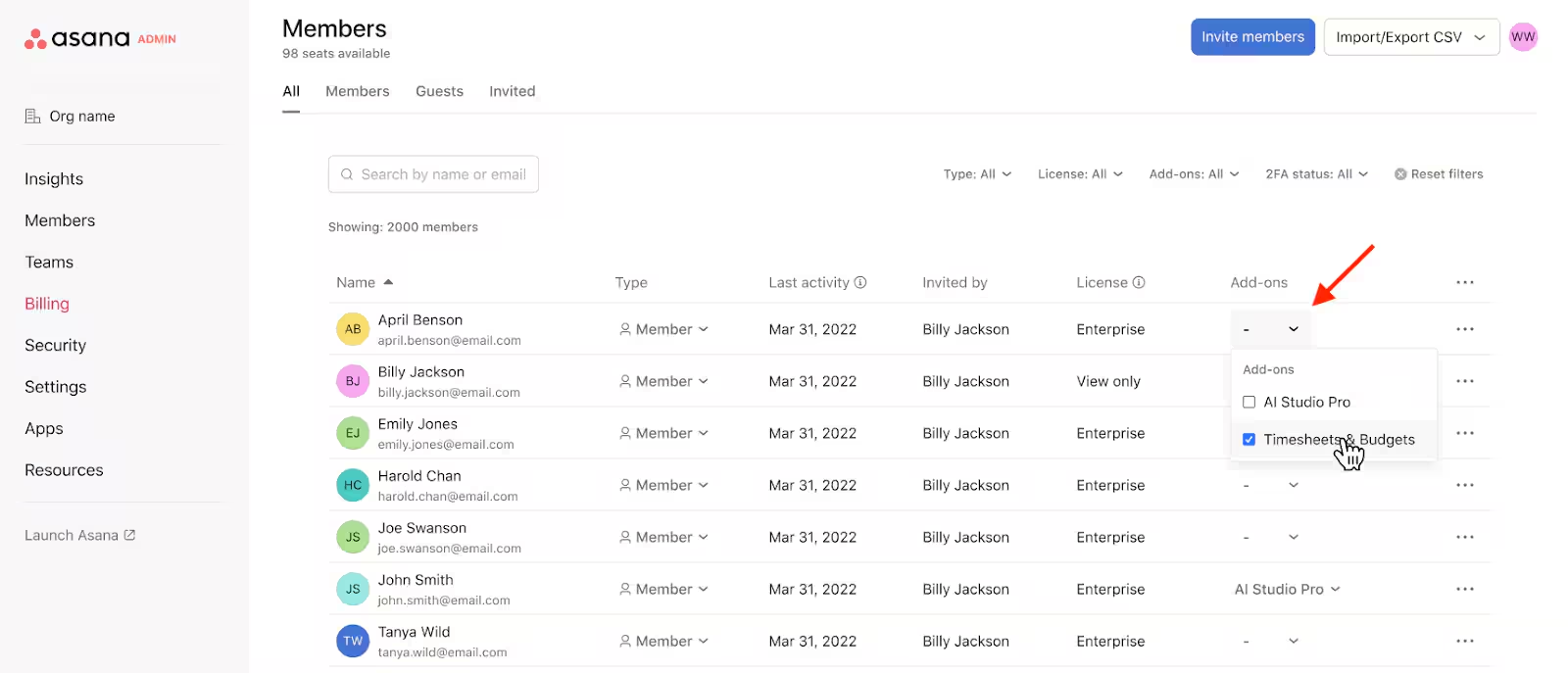
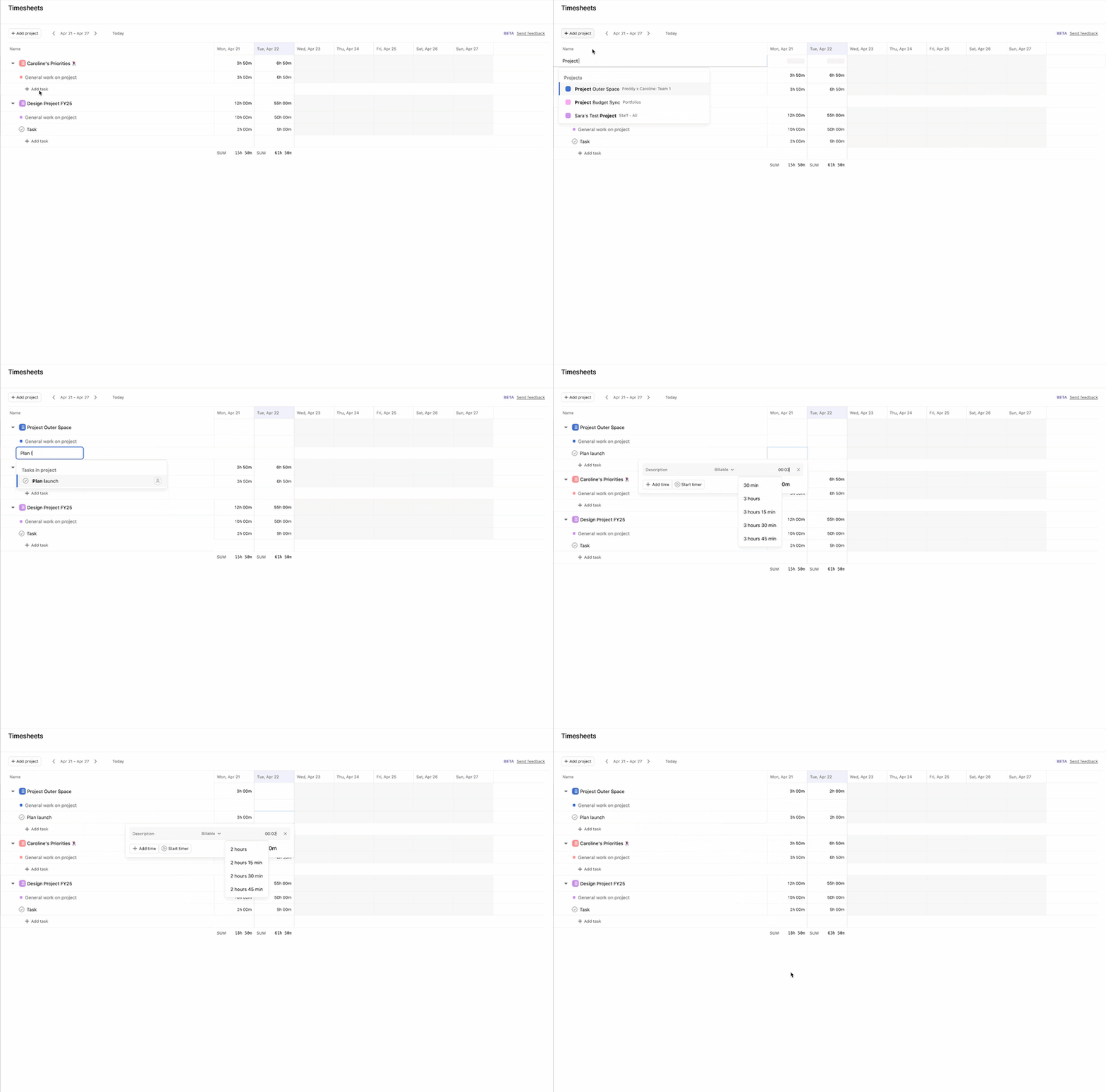
📅 Timesheet – Log time into the future
You can now enter time onto timesheets for future dates, making it easy to account for upcoming PTO or holidays.
📊 Time and cost reporting in portfolios
View tracked time and costs across multiple projects simultaneously within your portfolio dashboards.
💙 i.DO Tip: Build a “Master Portfolio” for your biggest clients to see exactly how much effort is being spent versus the budget in one glance.
💰 All you need to know about TBAO
TBAO = Timesheets & Budgets Add-On
Unlike most Asana features, you don’t need to upgrade your entire organization. You can purchase TBAO per license, meaning you only pay for the specific team members who actually need to track their time and costs.
TBAO brings native time tracking and financial oversight directly into your tasks. No more jumping between Asana and a separate tool to see if your project is still profitable!
⚙️ How to activate it
- Selective Licensing: Pick and choose which users get access.
- Compatibility: Available for selected plans (like Starter, Advanced, and Enterprise).
- Expert Setup: This feature requires a quick internal activation to get the gears turning.
💙 i.DO Tip: Don’t guess your ROI! Use TBAO to see exactly how many hours that “quick” project actually took.
🚀 Ready to track like a pro?
We’re here to help you get the most out of your budget. Whether you need a live demo, a custom quote, or deployment services to set it up perfectly, i.DO has you covered.
2. Planning & Project Essentials
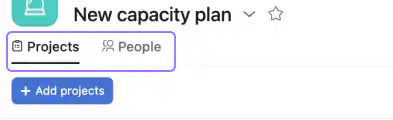
🏗️ Inline project creation in capacity plans (Enterprise)
You can now create new projects directly within a capacity plan without losing your flow or leaving the view.
📝 Create subtasks from project views
Add subtasks directly from List, Gantt, and Board views using right-click menus, the footer button, or quick keyboard shortcuts.
💙 i.DO Tip: Tap “Shift + S” on your keyboard to quickly add a subtask without ever opening the task details pane.
📋 Custom fields limit increase
Projects now support up to 150 custom fields, giving you 50% more space to track granular data.
3. AI & Automation
💬 Asana app in Claude
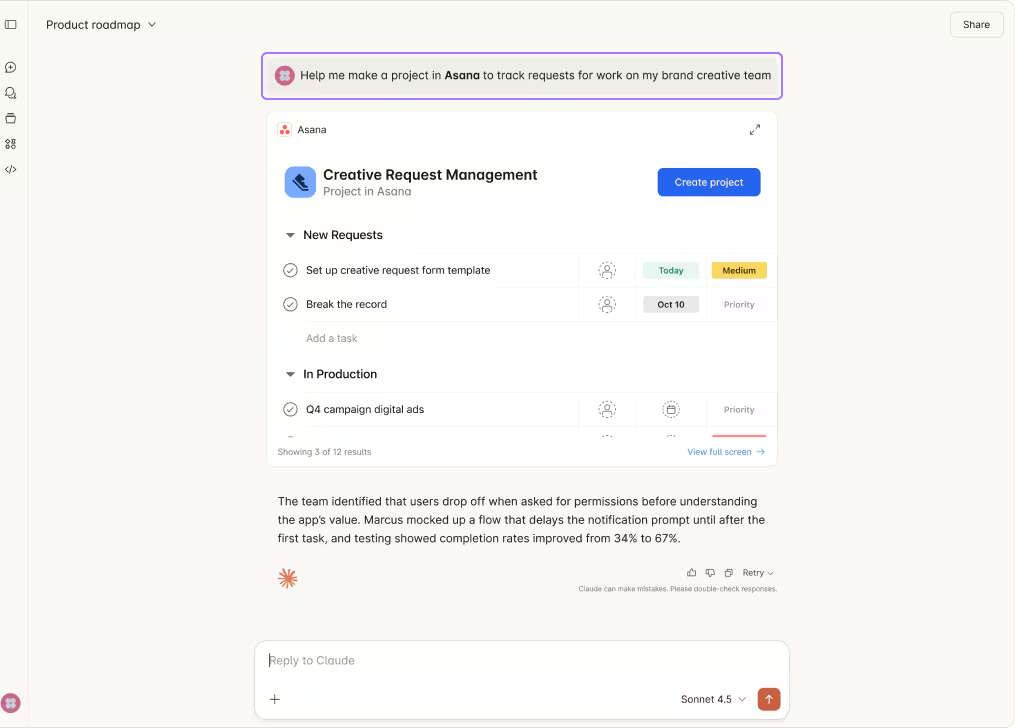
Turn your Claude conversations directly into projects and tasks in Asana with this new integration.
💙 i.DO Tip: After a long brainstorming session with Claude, use this to bridge the gap between ideas and “actual to-dos”.
⏰ Scheduled triggers
Create rules that trigger task creation or status update drafts based on daily, weekly, or monthly schedules.
💙 i.DO Tip: Set a rule to draft a “Friday Wrap-up” status update every Thursday afternoon so you just have to polish and click send.
🔒 Read-only rules experience
Users can now view all parts of a rule without having the ability to edit them.
💙 i.DO Tip: This is perfect for onboarding new team members so they can see “how the magic happens” without accidentally breaking your automations.
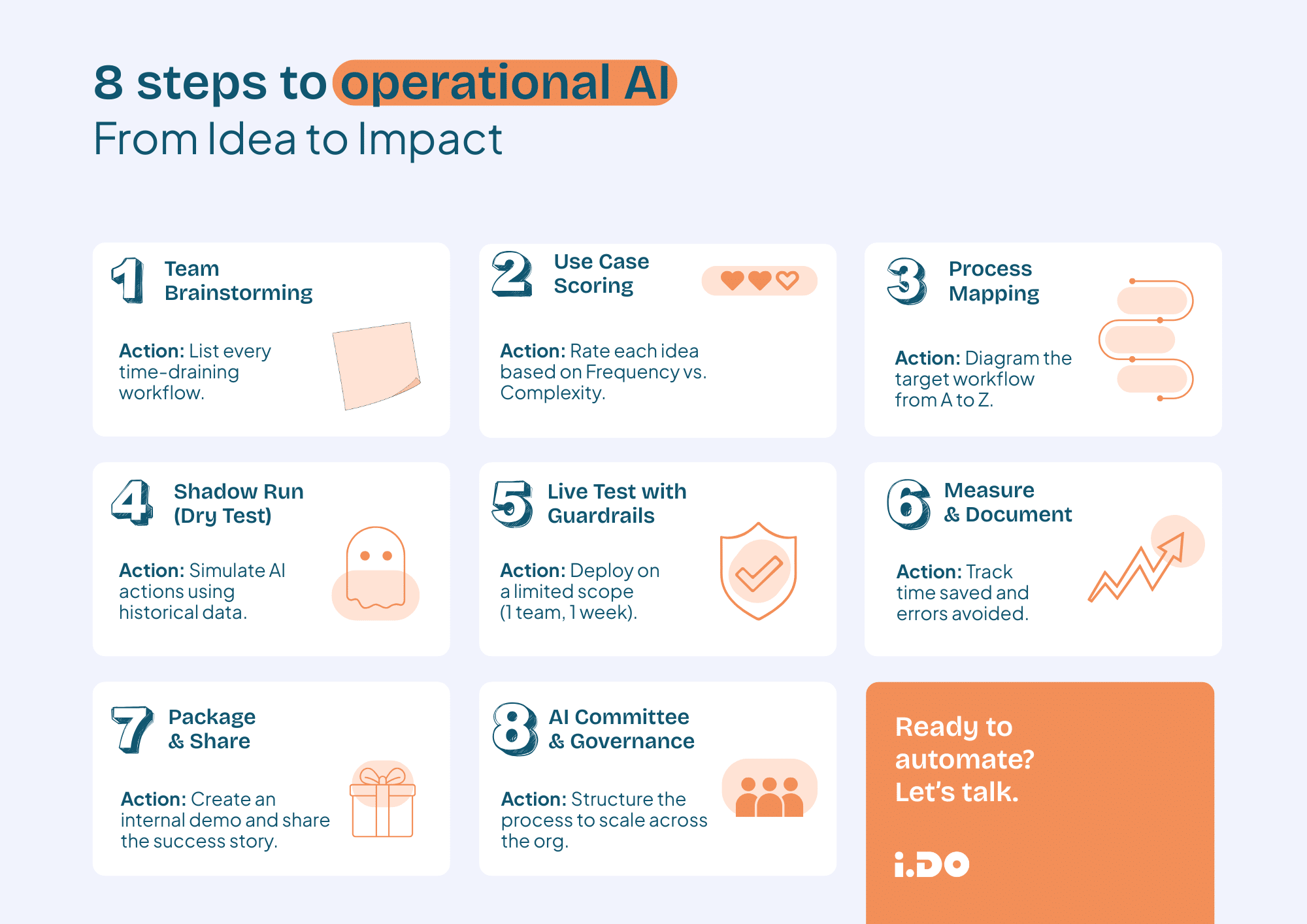
AI in the workplace: Stop testing, start operating. 🚀
The AI hype is everywhere, but operational impact is often missing. Most teams have activated AI features, yet their daily workflows remain unchanged.
We’ve codified our hands-on expertise into a clear roadmap: How to Actually Implement AI: From Ideas to Operational Impact. Learn how to move beyond basic chatbots and start deploying intelligent workflows that actually save your team hours every week. From “Shadow Runs” to AI Governance, here is how you make AI real.
4. Scaling & Templates
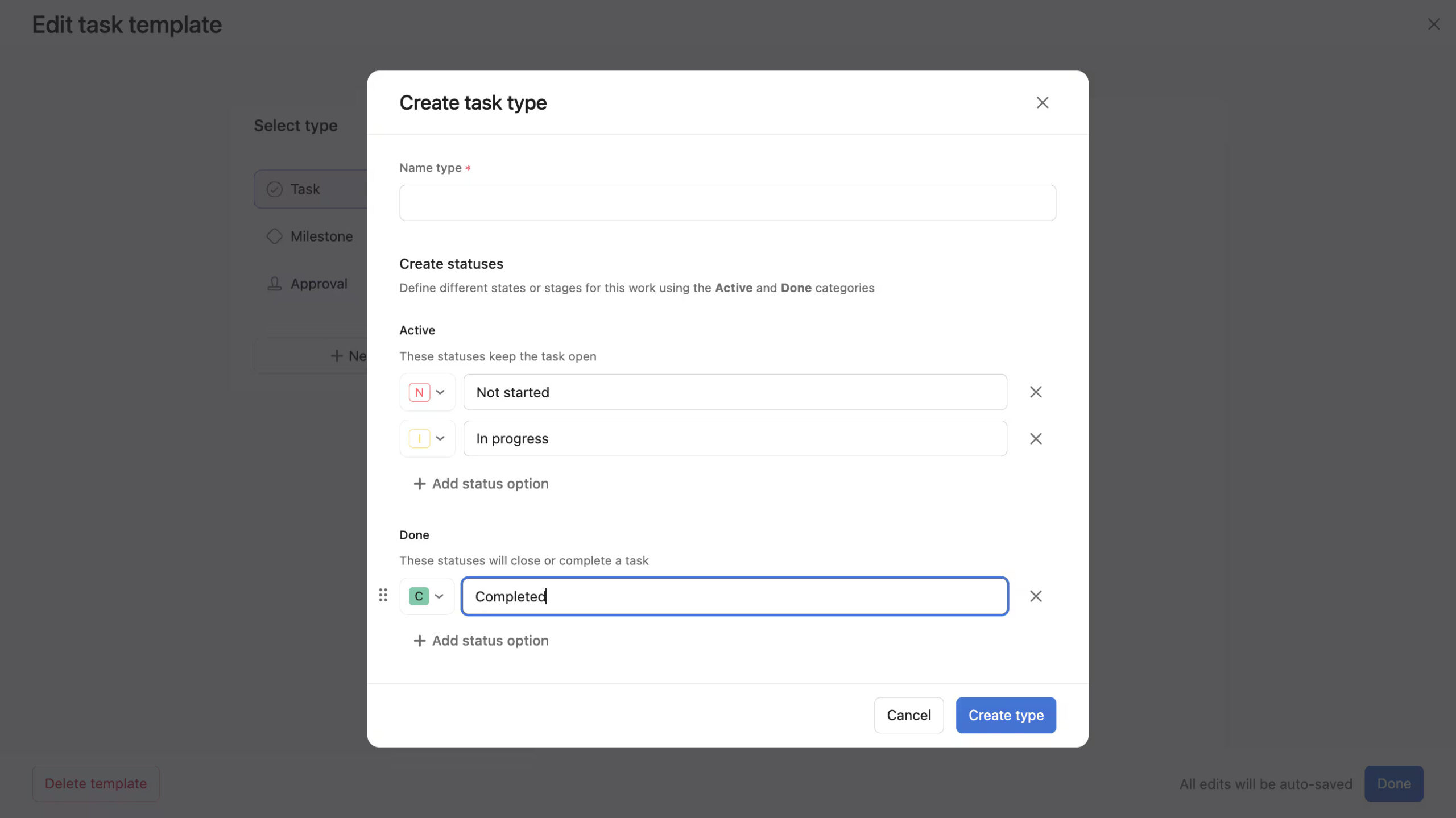
📦 Task types in synced bundles (Enterprise)
Deploy and sync shareable custom task types across multiple projects using bundles.
💙 i.DO Tip: Update your “Creative Request” task type in one bundle and watch it instantly update across every department’s project.
📑 Saved views on templates
Dashboards and notes now remain intact when you convert a project into a template.
🛠️ Timesheets API for status changes
Developers can now use an API to read, write, and filter timesheet approval statuses for external tools.