


1. Asana AI
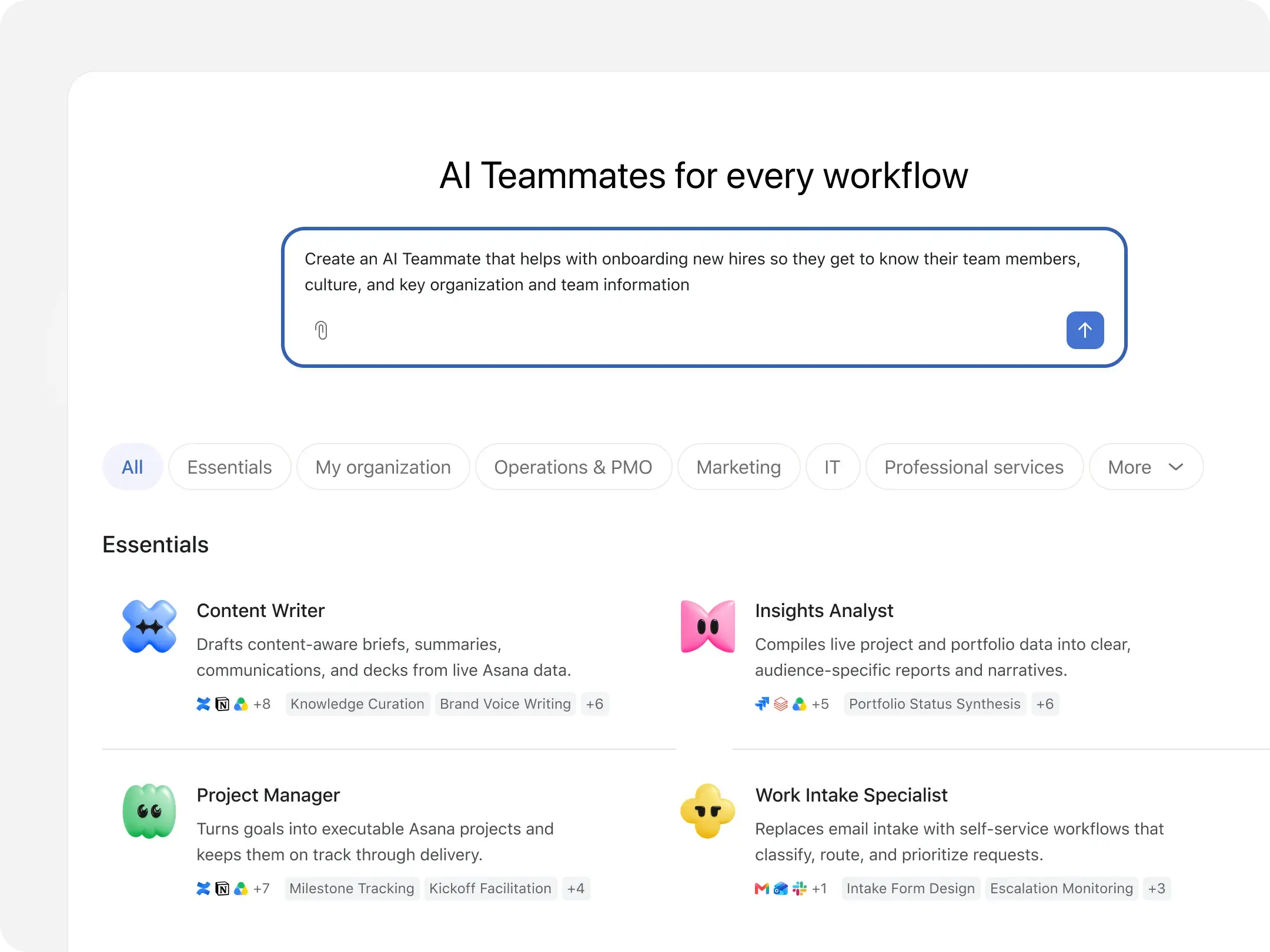
🛠️ AI Teammates and Dash reach general availability!
Asana has just launched a new version of the platform called “Agentic Work Management” (AWM) on 16 September 2026.
This launch gives teams two complementary ways to work with AI inside Asana:
- a personal assistant for individual productivity (Dash)
- and shared AI agents for collaborative workflows (AI Teammates).
- (plus the existing AI Studio rule engine)
AI Teammates and Dash credits are called “Requests”
Each user contributes 5 included “Requests” per month to a shared account pool.
The shared pool is capped at:
- 50 Requests for Starter and Advanced
- 250 Requests for Enterprise and Enterprise+
Clients can purchase prepaid Request packs to partners like i.DO at $0.50 per Request.
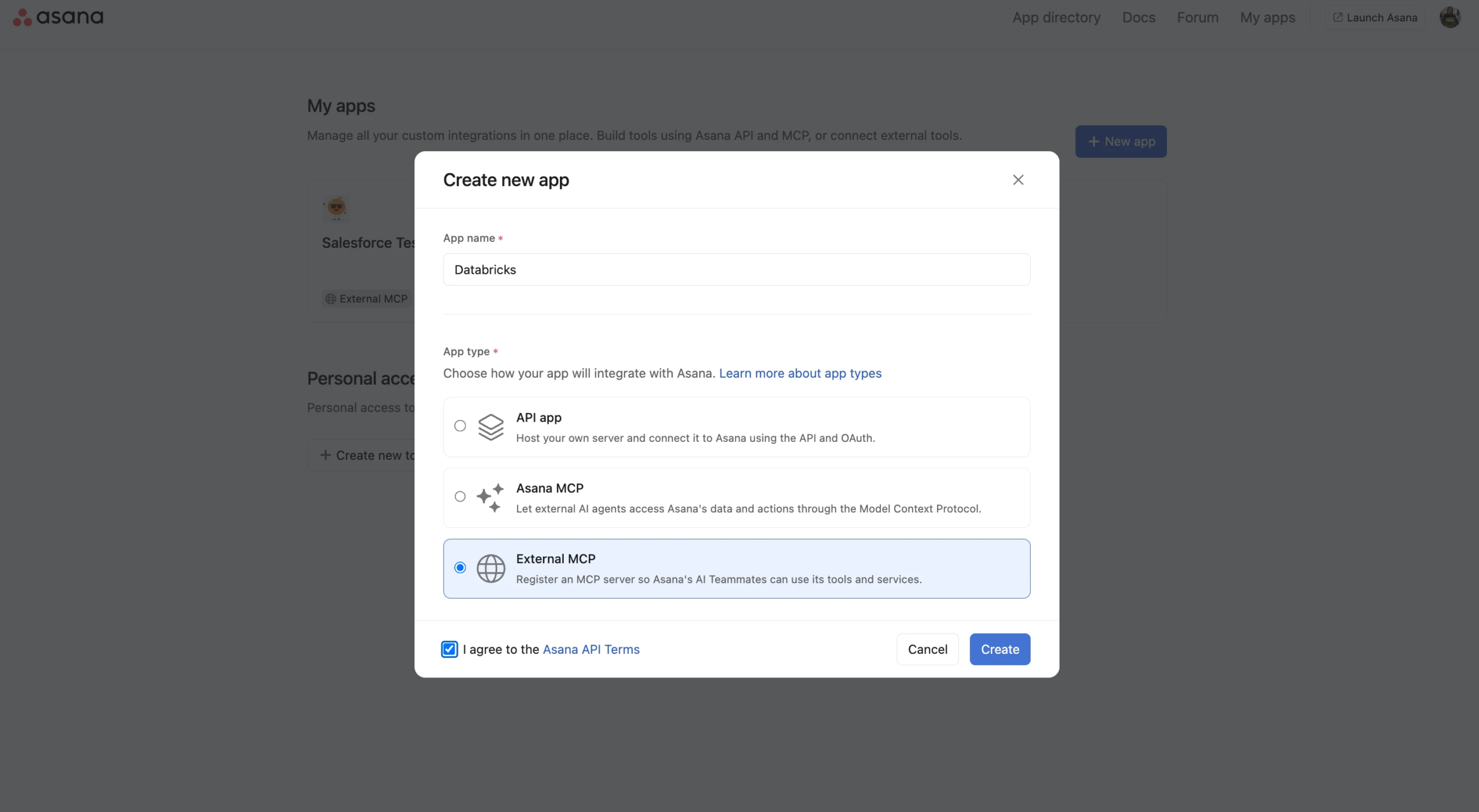
🔌 AI Teammates – Custom MCP integrations
AI Teammates can now connect to tools outside Asana’s app gallery. An admin creates a custom MCP app in the developer console, links it to an external MCP server, and distributes it to the chosen workspaces.
💙 i.DO Tip: Imagine a CSM AI Teammate gets a task, pulls the account details through a Salesforce or Hubspot MCP app, and drafts the kickoff plan in the task.
2. Writing, discussion, and desktop experience
📝 Markdown copy and syntax highlighting
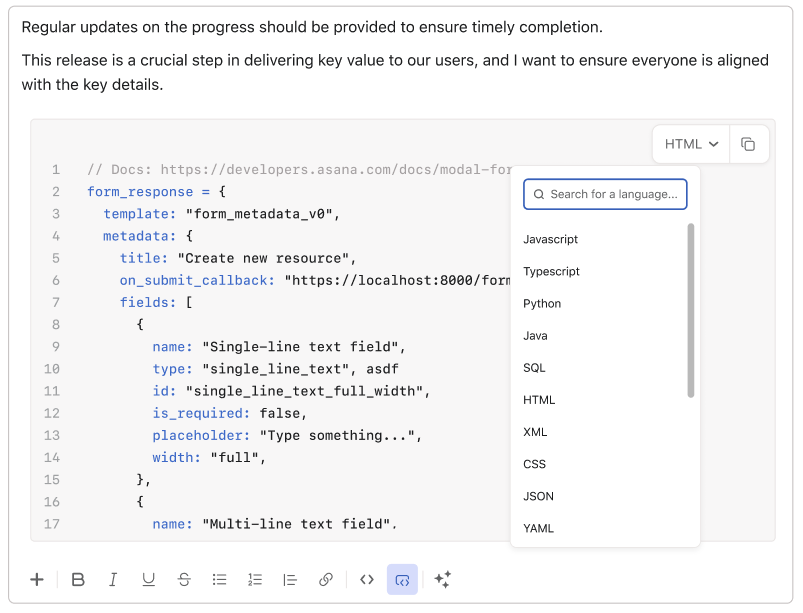
Paste Markdown into Asana editors and it converts immediately into readable rich text across Pages, descriptions, comments, record details, and text custom fields. Code blocks now support language selection, themes, line numbers, folding, indentation, and copy to clipboard.
🧵 Threaded comments
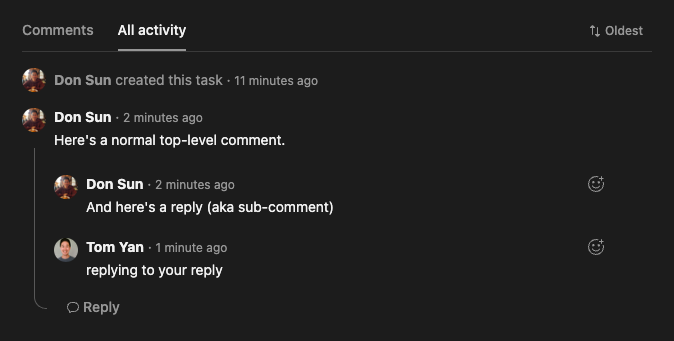
Reply directly to a comment in a thread to keep discussions organized and preserve context across web and mobile.
💙 i.DO Tip: Use a thread for each decision or open question. Future readers will find the answer without scrolling through a comment chain. Also, this will reduce notifications for the task’s collaborators.
🖥️ Desktop app 2.8.1
Update to desktop app version 2.8.1 for dependency updates, improved sign-in protection for identity information, and persistent menu bar positioning.
🗽 Join i.DO at Asana Work Innovation Summit NYC 2026

📆 When: October 14
🇺🇸 Where: New York Hilton Midtown
A hands-on workshop on Asana AI Teammates. Build an AI Teammate around an industry use case and leave with something practical to bring back to your team.
3. Automation, recovery, and approvals
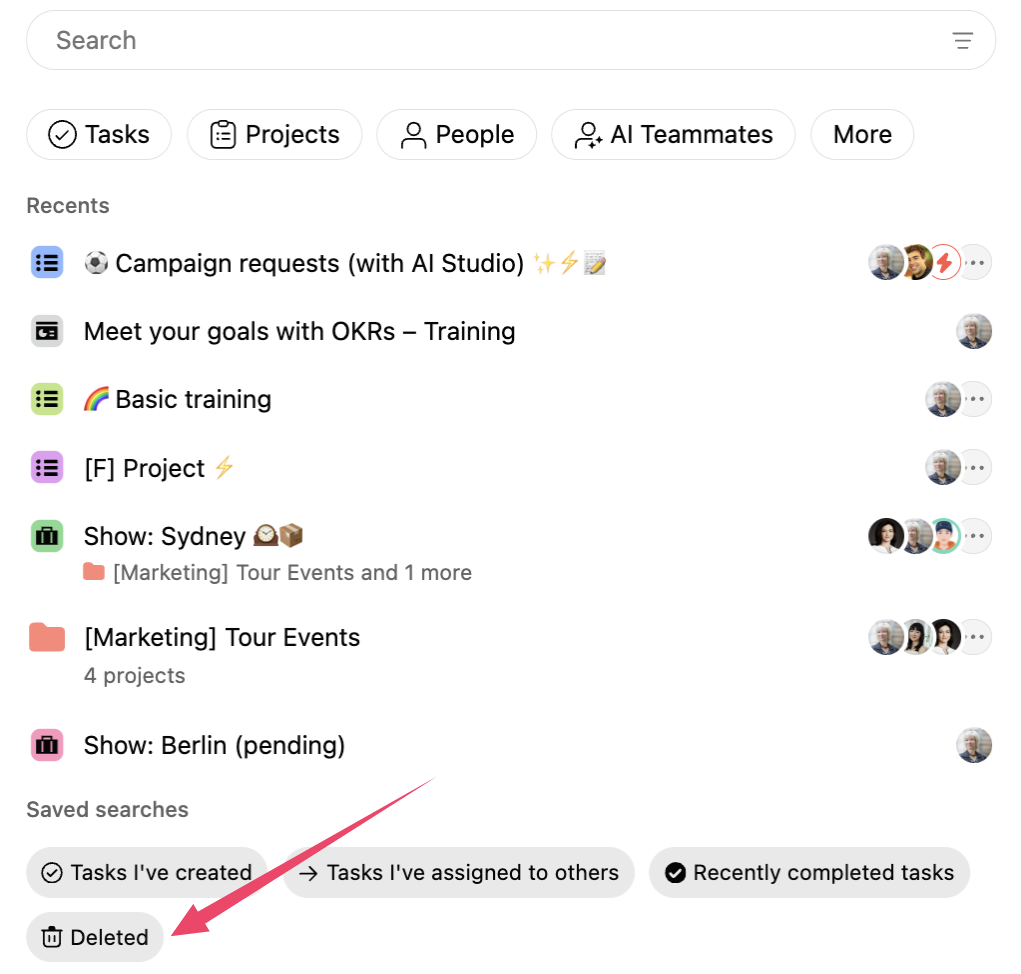
🗑️ Recover deleted custom fields
You can now restore accidentally deleted custom fields, along with their related values, rules, and charts, from Deleted search within the recovery window.
💙 i.DO Tip: If a field disappears unexpectedly, check Deleted search before rebuilding it. Restoring it can bring back its connected values, rules, and charts in one go.
🔄 Round robin assignment
Rules can now distribute incoming work evenly by rotating tasks through an ordered assignee list, reducing manual triage for shared intake.
💙 i.DO Tip: Set an ordered assignee list for your intake rule so new requests are shared fairly without maintaining a separate spreadsheet.
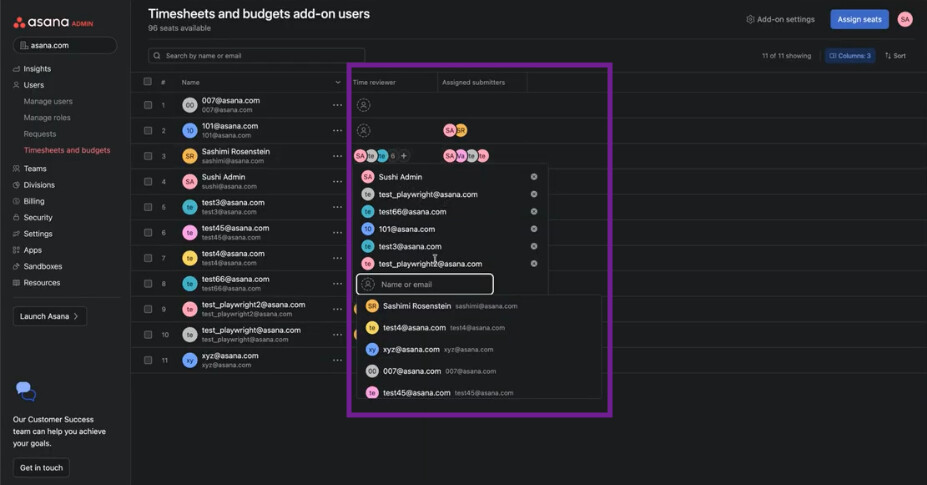
✅ Timesheet – Multiple approver support
Requires the Add-on Timesheet & budget
Add multiple approvers to an approval flow in the Timesheets and Budgets add-on so teams can collect required sign-offs on one work item.
4. Portfolio access and administration
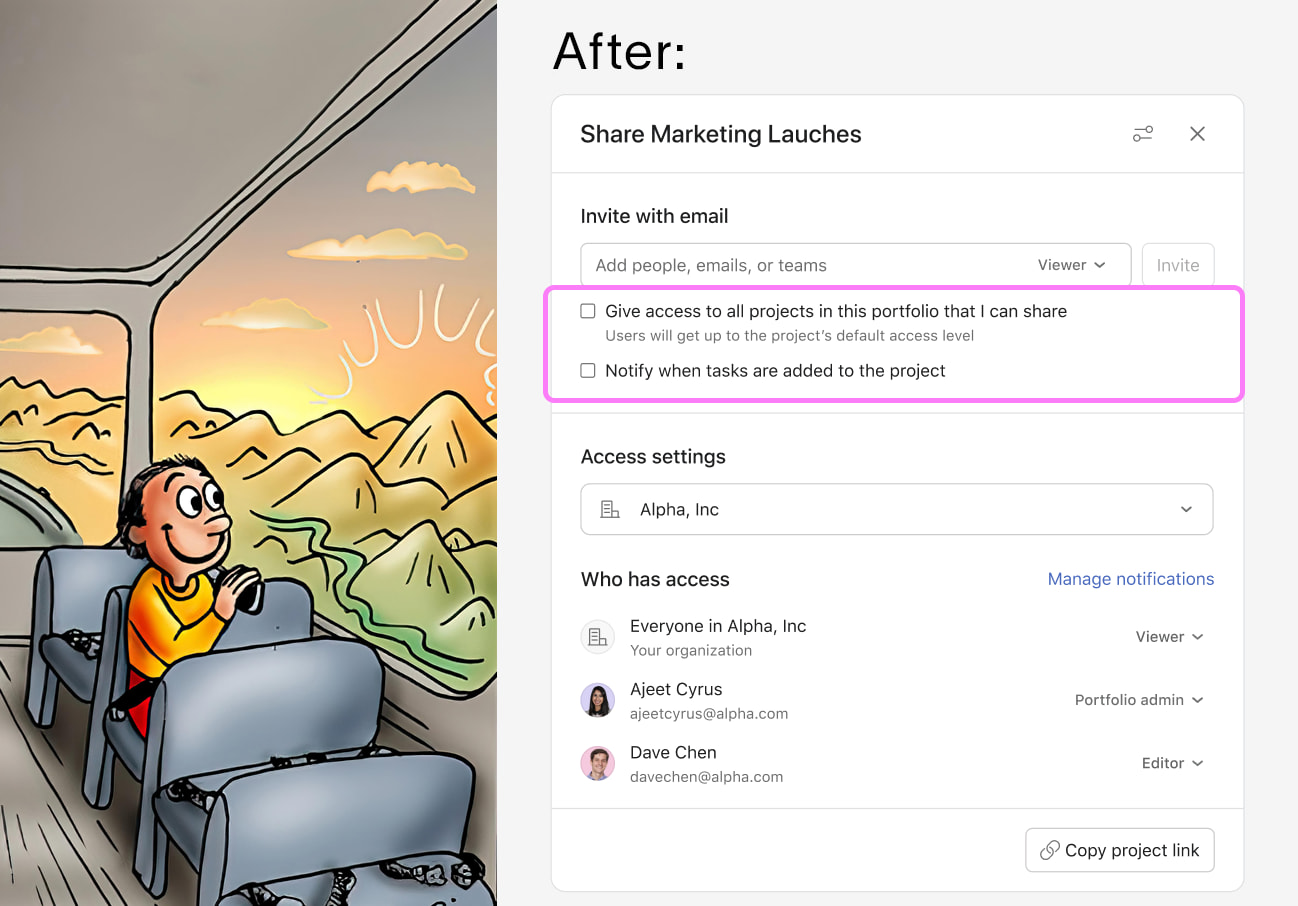
👥 Bulk add from portfolio sharing
Bulk add people from portfolio sharing to any project where you can manage membership as an editor or admin.
💙 i.DO Tip: Use portfolio sharing as an alternative to team sharing, when you want to make sure all the portfolio members have access to all portfolio’s projects
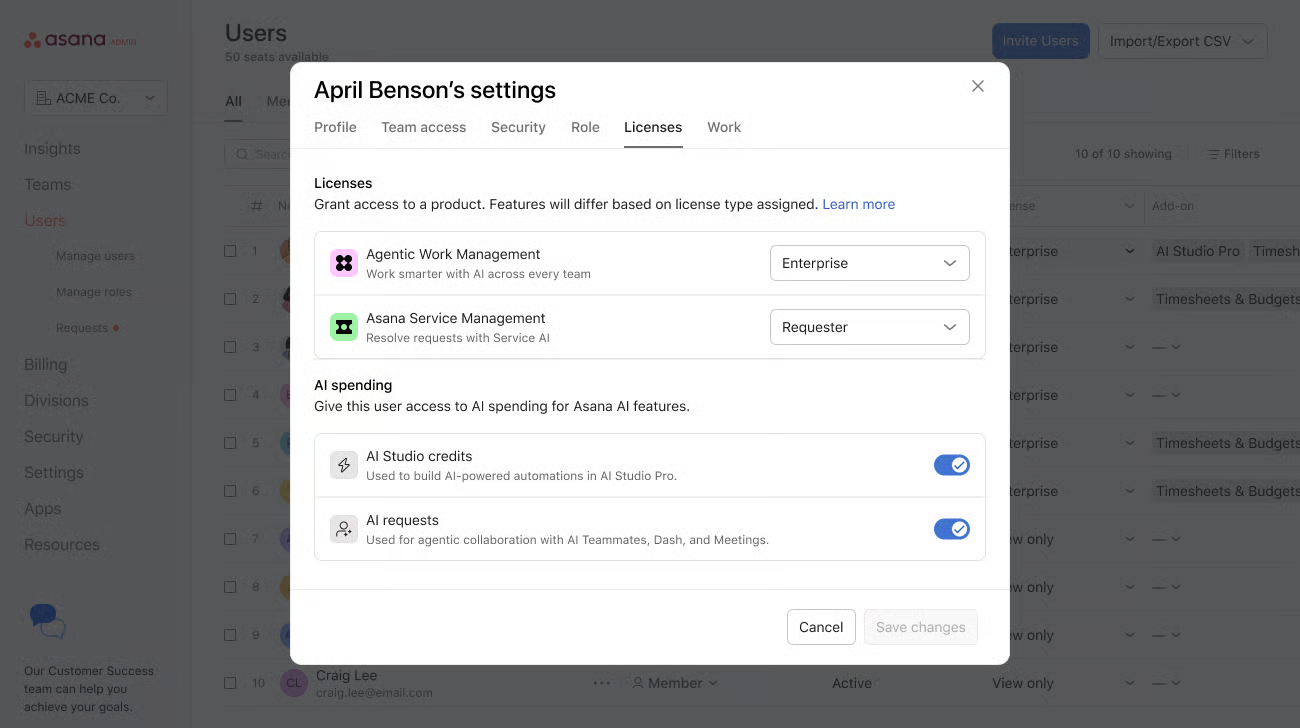
🎛️ Admin Console – Multi-product licensing
Manage access across multiple Asana products with a more flexible entitlement model instead of a work management-centric licensing path.
🏆Coming up in October in our Champions Community
Discover the upcoming sessions exclusively available to our Champions:
- 📆 (October 27) Managing Event Portfolios with Asana: Plan, Track, and Report at Scale
- 📆 (November 19) The Keys to Smooth Navigation in Asana
Pick your sessions and secure your spot now via your customer area!
Not a Champion yet? Get in touch to find out how you can join our community.
🧰 Tools & Add-ons Corner
Each month, we test an add-on that can make your Asana experience even better.
 Try
Try