


If you are paying for features nobody uses, or hitting limits every time your team grows, the problem may not be Asana. It may be the plan you chose. The right Asana plan depends on how your organization manages work, how much visibility leaders need, and how much governance IT and security require.
The short answer is simple: Free works for basic coordination, Starter is built for teams managing structured projects, Advanced is designed for visibility across projects and goals, Enterprise adds organization-wide governance, and Enterprise+ is for strict compliance and data control requirements. This guide explains where each plan fits, when an upgrade makes sense, and how to avoid paying for capabilities your team will not use.
Asana plans at a glance
Plan | Best for |
Free | Individuals and very small teams organizing basic work without advanced workflow or reporting requirements |
Starter | Teams that need dependable project management, forms, custom fields, templates, automations, dashboards, and several project views |
Advanced | Teams that manage multiple projects, departments, and goals and need portfolio visibility, reporting, approvals, and time tracking |
Enterprise | Organizations that need centralized administration, stronger security controls, standardized workflows, resource visibility, and support at scale |
Enterprise+ | Regulated environments where auditability, data residency, key management, eDiscovery support, or HIPAA eligibility are essential |
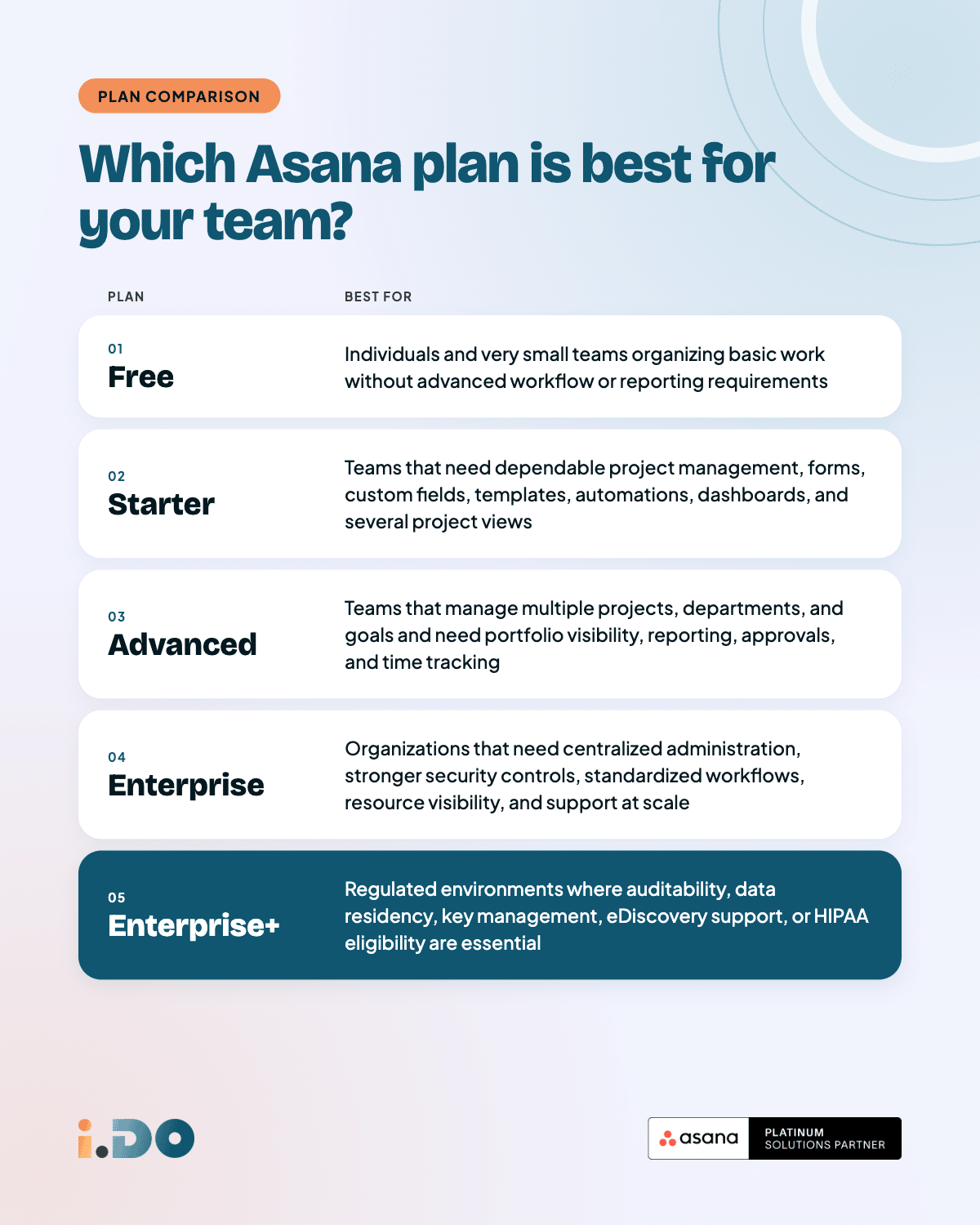
The important point is that each plan solves a different management problem. Choosing the highest tier by default creates unnecessary cost. Choosing the lowest tier when the organization needs cross-project visibility or governance creates friction that no amount of configuration can fully remove.
Three questions to answer before comparing Asana plans
A feature comparison is useful only after you understand what your team actually needs. Start with these questions.
1. How many people need regular access?
Count active users, not everyone who works for the company. A contractor, client, freelancer, or external partner may only need access to a specific project. They do not automatically need the same access as an internal member.
Separate three groups:
- People who create, update, and manage work every week
- People who need occasional visibility or approval access
- External collaborators who only need access to selected projects
This distinction gives you a more realistic view of your paid seat requirements. Check the current billing rules for your organization setup before finalizing your budget, especially if you work with many external collaborators.
2. Are you managing projects or an operation?
If the team mainly needs owners, deadlines, workflows, and a reliable way to move work from request to completion, Starter may be enough.
If leadership needs answers across several projects, departments, or quarterly objectives, you are solving a broader operational problem. That is where Advanced becomes relevant. The key question is whether your team needs to manage work one project at a time or understand how multiple initiatives are progressing together.
3. Will security or compliance shape the decision?
Do not wait until procurement or IT review to ask this question. Requirements such as SSO, SAML, SCIM, audit logs, data residency, mobile controls, or HIPAA eligibility can determine the appropriate plan before a team compares individual workflow features.
If security requirements are mandatory, a lower tier is not a saving. It is a plan that may fail the approval process later.
Asana Free: A starting point for basic coordination
The free plan is useful when a person or a very small team needs a shared place to track tasks, deadlines, and simple projects. It is a sensible starting point when the priority is visibility into basic work rather than a standardized operating model.
Choose Free when:
- The team is small and the workflow is straightforward
- People can coordinate without advanced forms, fields, or automations
- There is no need for cross-project reporting or formal governance
- Security and administration requirements are limited
Free stops being practical when work arrives through scattered messages, when every project is structured differently, or when managers need a reliable view of progress across teams.
Asana Starter: The practical plan for structured project work
Starter is the right fit for teams that need to run projects consistently without yet requiring organization-wide oversight. It gives teams the core building blocks for repeatable workflows and clearer accountability.
With Starter, teams can use:
- Unlimited projects with list, board, calendar, timeline, and Gantt views
- Custom fields to track priority, type, owner, status, or other workflow data
- Rules and automations to reduce repetitive task administration
- Forms to standardize how requests enter the team
- Templates to avoid rebuilding the same project structure
- Dashboards to monitor progress within a project
- Included AI capabilities and AI Studio credits, subject to the plan terms in effect
Example: Imagine a 15-person design agency managing client work. Each project follows the same stages: Brief, In Progress, Review, and Delivered. A request form captures the initial information, custom fields show the client and priority, and an automation assigns the next owner when a task moves forward.
That team does not necessarily need goals, portfolios, or organization-wide resource planning. Starter gives them enough structure to make the work visible and repeatable without adding unnecessary complexity.
Choose Starter when the main challenge is inconsistent project execution, not a lack of executive oversight.
Asana Advanced: The plan for cross-project visibility
Advanced is for teams that have outgrown project-by-project management. It connects operational work to broader objectives and gives leaders a way to understand progress across multiple initiatives.
Advanced adds capabilities such as:
- Goals to connect team work to company objectives
- Portfolios to monitor multiple projects in one view
- Time tracking for understanding where effort is spent
- Reporting dashboards that bring together data from projects, portfolios, and goals
- Approval workflows for campaign assets, legal reviews, and other formal sign-offs
- Formula custom fields for calculated operational data
Example: Imagine a 60-person ecommerce operations team with separate marketing, logistics, and customer support groups. Each department manages its own projects, but the VP of Operations needs to see which initiatives are progressing, which are at risk, and how they connect to quarterly priorities.
Starter can organize each project. Advanced gives the organization a way to manage the operation around those projects. That difference matters when leadership decisions depend on a complete view rather than isolated updates from individual teams.
Choose Advanced when:
- Leaders need visibility across several projects or departments
- Teams need to connect daily work to goals
- A growing portfolio of initiatives is difficult to monitor manually
- Approvals, reporting, or time tracking are part of the operating rhythm
Asana Enterprise: Governance and standardization at scale
Enterprise changes the question from “How do we manage our projects?” to “How do we manage Asana across the organization?”
Enterprise is designed for organizations that need stronger control over identity, access, workflows, administration, and support. It is not simply Advanced with more features. It addresses the organizational requirements that appear when many teams and locations use the same platform.
Enterprise can add capabilities such as:
- SAML and SSO for centralized authentication
- SCIM provisioning and deprovisioning when people join or leave the organization
- Workflow bundles to standardize processes across teams and offices
- Universal workload for broader resource planning
- Custom branding for the organization environment
- Guest invite permissions so administrators can control external access
- Mobile application controls for downloads, screenshots, and data access
- Enhanced support, including 24-hour support under the applicable plan terms
Example: Imagine a 300-person financial services firm with offices in three cities. Its IT team wants Asana connected to the company identity system. Operations wants every office to follow the same client onboarding workflow. Security wants tighter control over guest invitations and mobile usage.
Those requirements are not solved by adding another dashboard to each project. They require governance at the platform level. Enterprise becomes relevant when the organization must standardize how Asana is administered, not just how individual teams use it.
Choose Enterprise when:
- IT requires centralized identity and access controls
- Several departments need consistent workflows
- Administrators need more control over guests or mobile usage
- Resource planning must extend beyond individual projects
- Support and governance are part of the business case
Asana Enterprise+: Compliance and data control
Enterprise+ is for organizations where regulatory and data control requirements are not optional. Most teams do not need this plan. The decision is usually driven by legal, security, or compliance obligations rather than by a desire for additional project features.
Enterprise+ can add capabilities such as:
- Audit log APIs
- Support for eDiscovery and archiving integrations
- Enterprise key management
- Data residency options
- HIPAA compliance eligibility under the applicable requirements
Healthcare, government, legal, and highly regulated financial services organizations may need to answer questions such as:
- Where is the data stored?
- What activity must be auditable?
- Which retention and discovery requirements apply?
- Who controls encryption keys?
- What must be in place before legal or compliance teams approve the platform?
Choose Enterprise+ when those questions determine whether Asana can be approved for use. If the organization does not have these requirements, Enterprise will often provide the necessary level of governance without paying for controls that are not needed.
When should you upgrade your Asana plan?
Team size is only one signal. A small team with complex reporting or compliance needs may need a higher tier than a larger team running a simple workflow.
Move from Free to Starter when:
- More people need regular access to the same work
- Requests arrive through email or chat and need a standard intake process
- Teams need custom fields, forms, templates, or automations
- Project progress is difficult to follow without a shared dashboard
Move from Starter to Advanced when:
- Leadership asks for visibility across projects or goals
- Teams manage more initiatives than they can monitor manually
- Departments need to connect their work to shared objectives
- Approvals, time tracking, or broader reporting are becoming routine needs
Move from Advanced to Enterprise when:
- IT requires SSO, SAML, or SCIM
- Administrators need stronger control over access and invitations
- Workflows must be standardized across offices or departments
- Resource planning needs to operate across the organization
Move from Enterprise to Enterprise+ when:
- Data residency is a formal requirement
- Auditability, eDiscovery, or archiving integrations are mandatory
- Enterprise key management is required
- HIPAA or another strict regulatory framework shapes the purchase decision
Organization, workspace, or division: Why the setup matters
The environment in which your team uses Asana can affect both administration and plan decisions.
Organization — The company-level setup generally created with a company email domain. It supports teams, broader administration, and the controls expected in a business environment.
Workspace — A simpler environment often created with a personal email address. It is more limited for organizations that need team structures, governance, or long-term scalability.
Division — A segmented group within a larger organization. Divisions can help separate billing and administration when different parts of the company need different plan tiers.
At the organization level, teams generally work within the same plan tier. Divisions can be useful when one department needs Advanced or Enterprise capabilities while another can remain on Starter. This can control cost, but it also creates decisions about collaboration, administration, and consistency across the wider organization.
What about Asana AI?
Paid Asana plans include built-in AI capabilities, and plan tiers include AI Studio credits under the applicable terms. AI Teammates are a separate add-on designed for delegating repeatable work to an integrated AI teammate. They should be evaluated as part of the workflow and operating model, not as a substitute for choosing the right base plan.
If AI is the main topic of your evaluation, review the add-on requirements separately. The plan decision still starts with the way your team manages projects, goals, access, and governance.
A simple decision checklist
Before approving a plan, confirm these points:
[ ] Which users need regular access, and which people are external collaborators?
[ ] Does the team need to manage individual projects or a connected portfolio of work?
[ ] Do leaders need goals, portfolios, reporting, or resource visibility?
[ ] Are SSO, provisioning, guest controls, mobile controls, or workflow standardization required?
[ ] Do legal or compliance teams require auditability, data residency, key management, or HIPAA eligibility?
[ ] Which capabilities will the team use every month, not simply appreciate in a feature comparison?
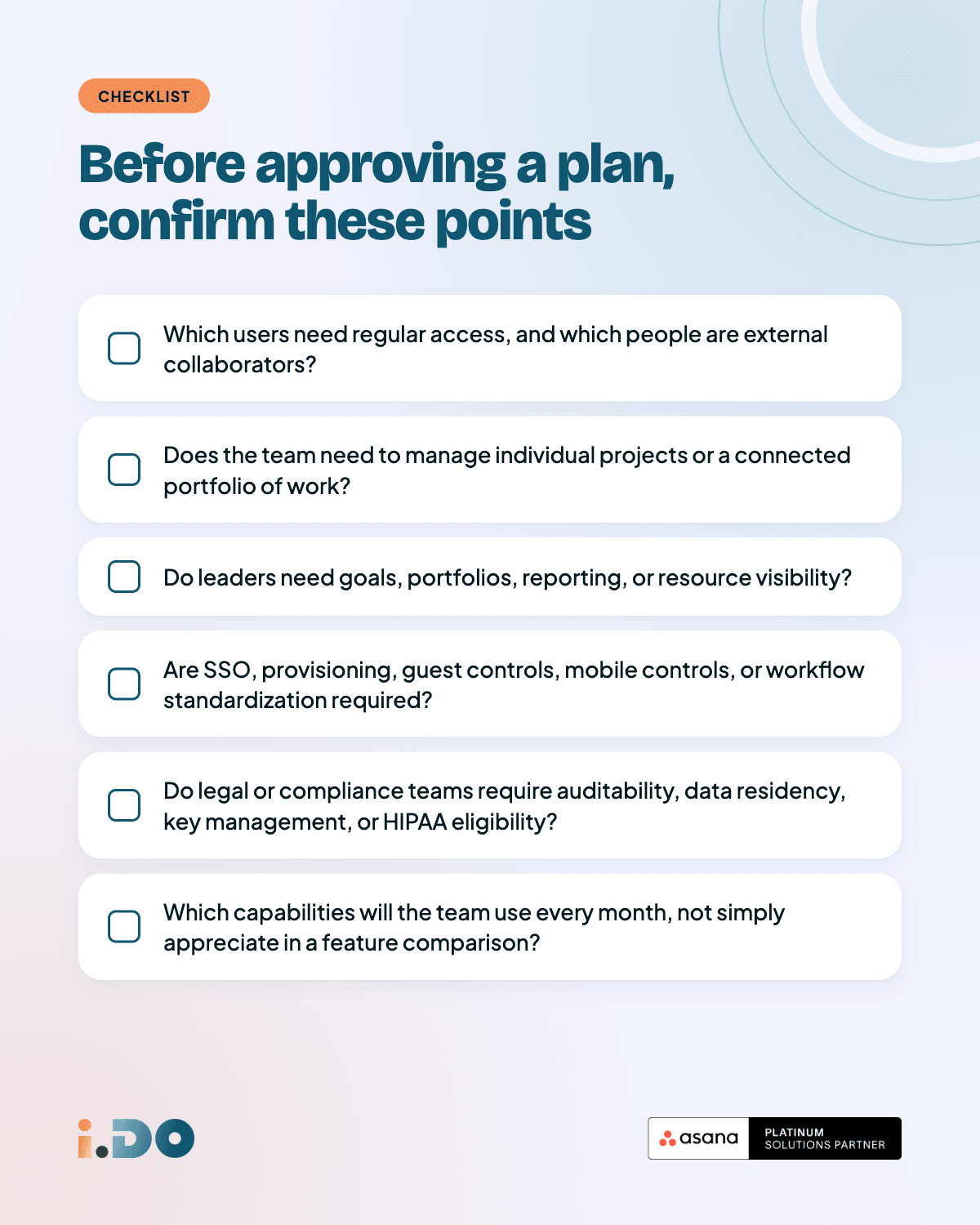
The last question is the one most teams skip. A feature has value only when it supports a real decision, removes recurring friction, or reduces manual work.
The bottom line
The right Asana plan is the one that matches your operating reality. Use Free for basic coordination, Starter for structured project workflows, Advanced for visibility across projects and goals, Enterprise for organization-wide governance, and Enterprise+ for strict compliance and data control.
Do not choose a plan because it has the longest feature list. Choose it because it gives the people responsible for the work the access, visibility, workflow support, and control they actually need. i.DO, an Asana Solutions Partner, helps organizations review their current setup, clarify their requirements, and build an Asana environment that teams can use consistently.
Frequently asked questions
Is Starter or Advanced better for a small team?
It depends on the work, not only on the number of people. A small team managing several initiatives, quarterly goals, approvals, and cross-project reporting may need Advanced. A larger team with a few straightforward projects may be well served by Starter.
Does every employee need a paid Asana seat?
Not necessarily. Budget for the people who need regular member access separately from clients, contractors, freelancers, and other external collaborators. Their access and billing treatment depend on the organization setup and current plan terms, so confirm the rules before purchase.
Can different departments use different Asana plans?
An organization generally operates on one plan tier. Divisions can allow different groups within the same organization to use different tiers, which can help control cost when advanced features are needed only by specific departments.
Do AI features cost extra?
Paid plans include built-in AI capabilities and AI Studio credits under the applicable terms. AI Teammates are a separate add-on. Confirm the current commercial details before finalizing a purchase.
What if we choose the wrong plan?
Treat the first plan choice as a working decision, not a permanent commitment. Review which features teams actually use, where work is still happening outside Asana, and which requests are blocked by plan limits. Then adjust the plan when the evidence shows a clear need.
What is the difference between an organization and a workspace?
An organization is generally the company-level environment connected to a company email domain, with team structures and broader administration. A workspace is a simpler environment often associated with a personal email address and may be less suitable for a growing business with governance requirements.